Viewing your photos
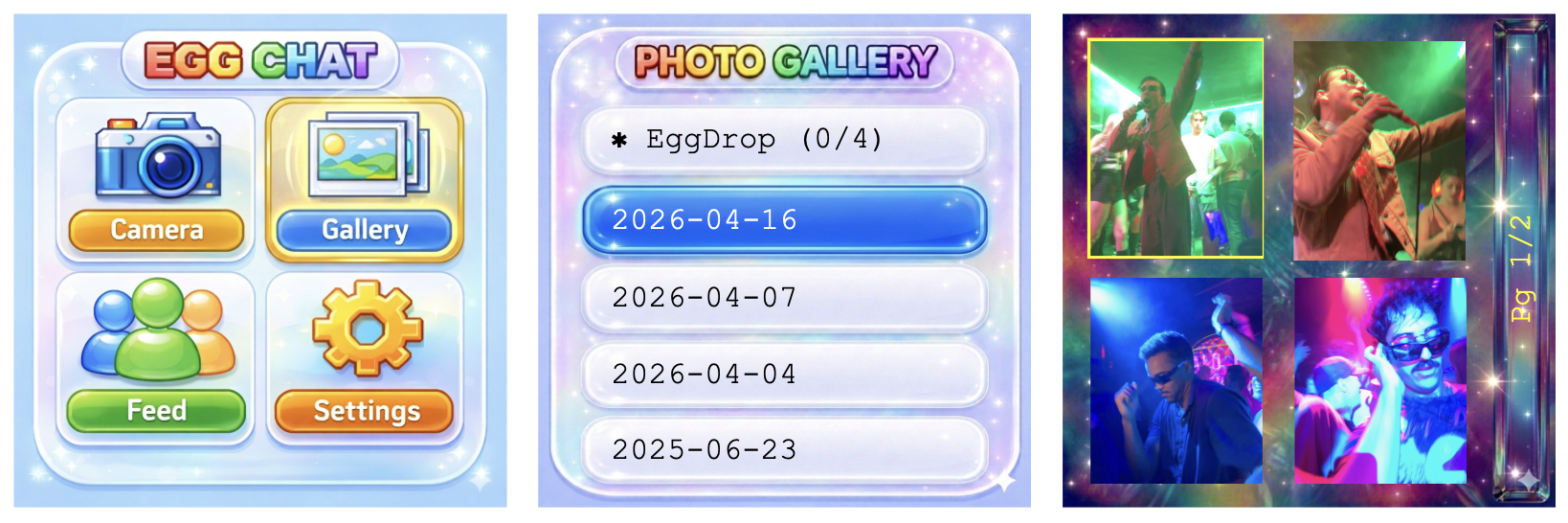
To view your photos, click: Gallery.
Select a date which photos you'd like to view by scrolling up and down using L/R and selecting with the ✓ button.
When in the gallery, scroll L/R to hover over photos, and press the ✓ button to view a photo in fullscreen mode. Press L+R simultaneously to exit fullscreen view, and again to exit gallery.
To delete a photo, press ✓ to view the photo in fullscreen, then hold ✓ to delete.