Taking photos
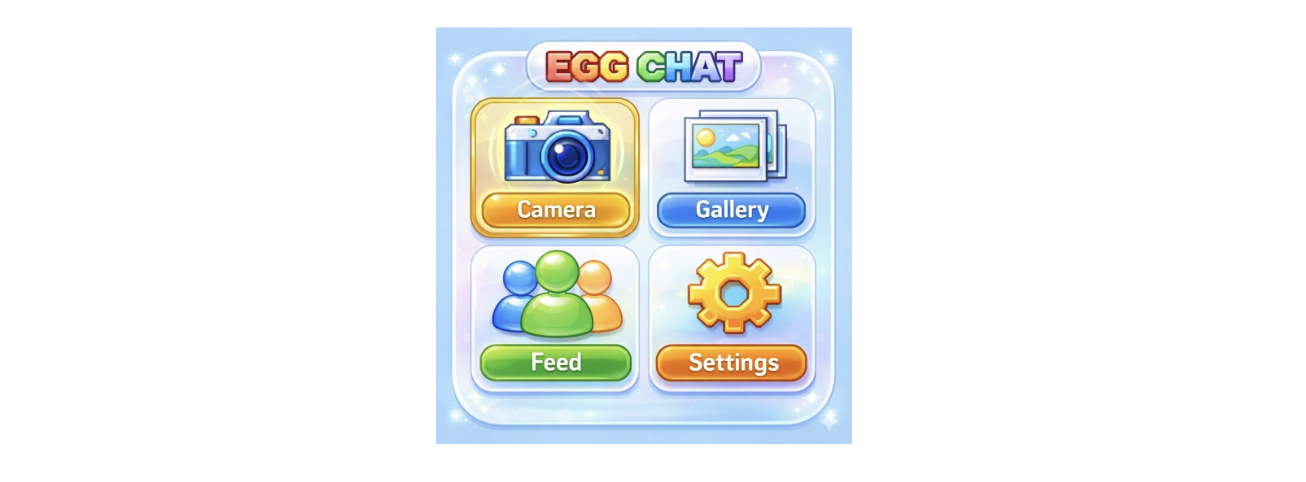
Click on Camera from the main menu.
To take a photo, press ✓ button.
Scroll through filters by using the L/R buttons. Filter options are: Regular, inverted colours, psychedelic, kaleidoscope, and fisheye.
Press L+R simultaneously to exit the camera.