Set eggMoji
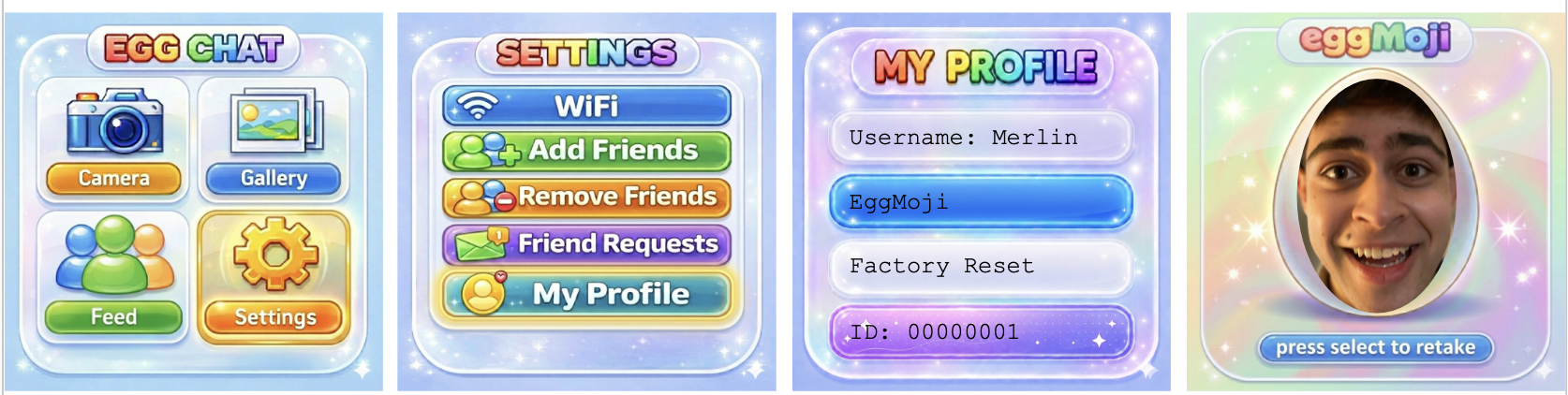
Set your EggMoji (your profile picture) in: Settings → My Profile → EggMoji
Press the select button to take a photo. Press select again if you'd like to retake a photo. Once you're happy with your EggMoji, press L+R simultaneously to save and exit.
To exit without saving a new EggMoji, press L+R simultaneously while in the live camera mode.