back
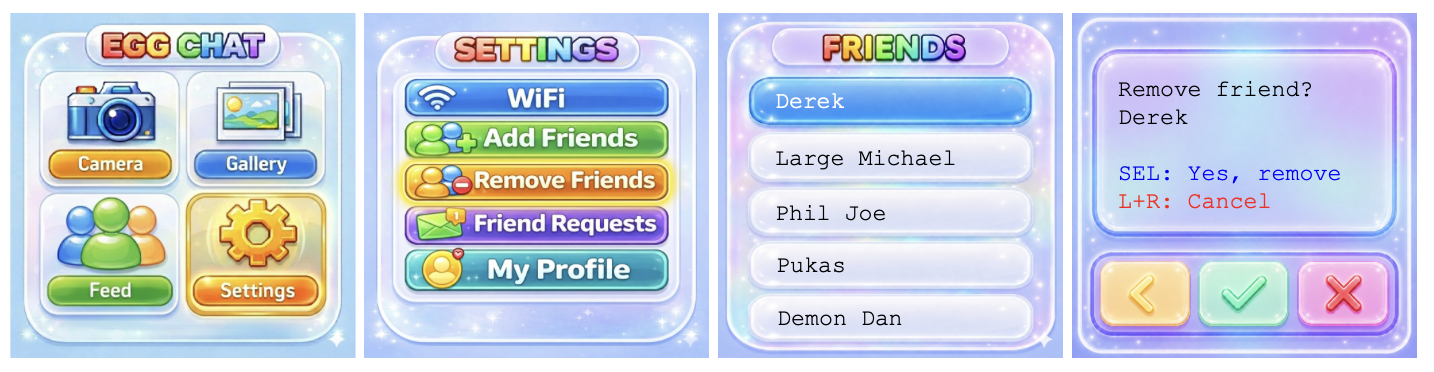
To remove a friend, go to: Settings → Remove Friends.
Click on a username you'd like to remove as a friend. Press select again to remove the friend, press L+R simultaneously to go back to the list of usernames.