Adding friends
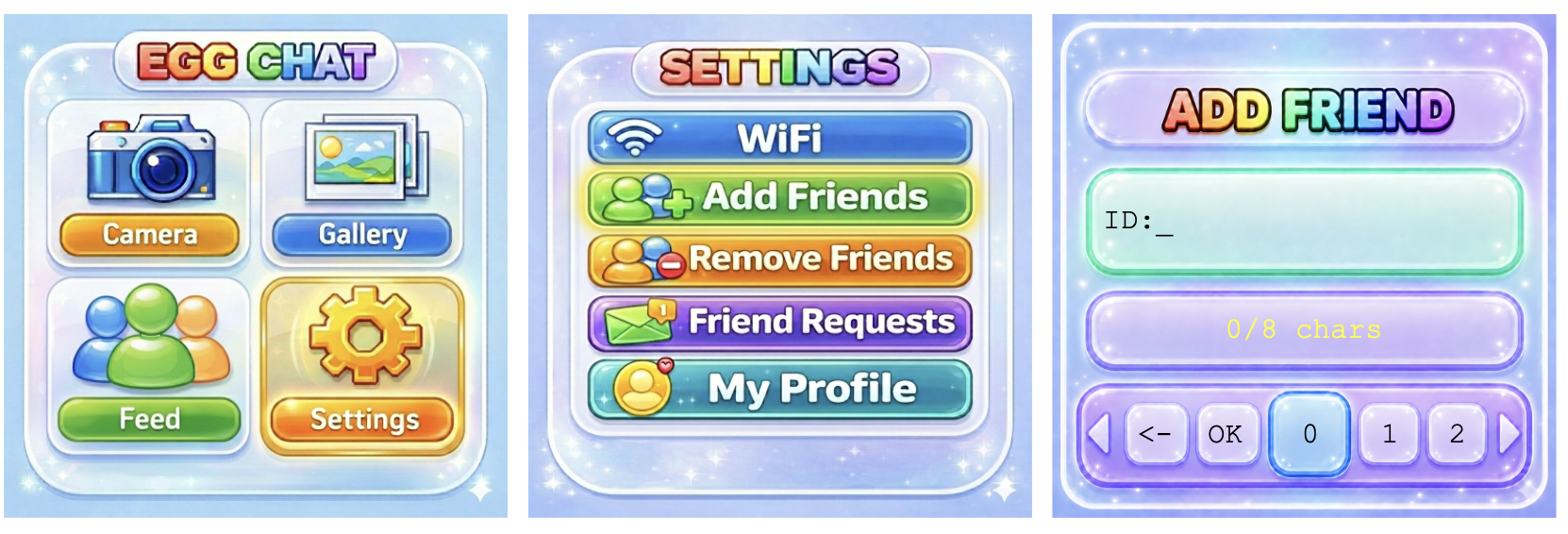
Add friends in Settings → Add friends. Type in their 8 character device ID using L/R to scroll left and right, ✓ button to select a character, select the ← character to erase. Submit by selecting "OK" from the character list. Press L+R simultaneously to go back.

To view your friend requests, go to: Settings → Friend Requests. Click on a username to view the friend request details. Press the ✓ button to accept the friend request, the R button to decline the friend request, and the L button to go back.